



Setting Up Your Bluelink®
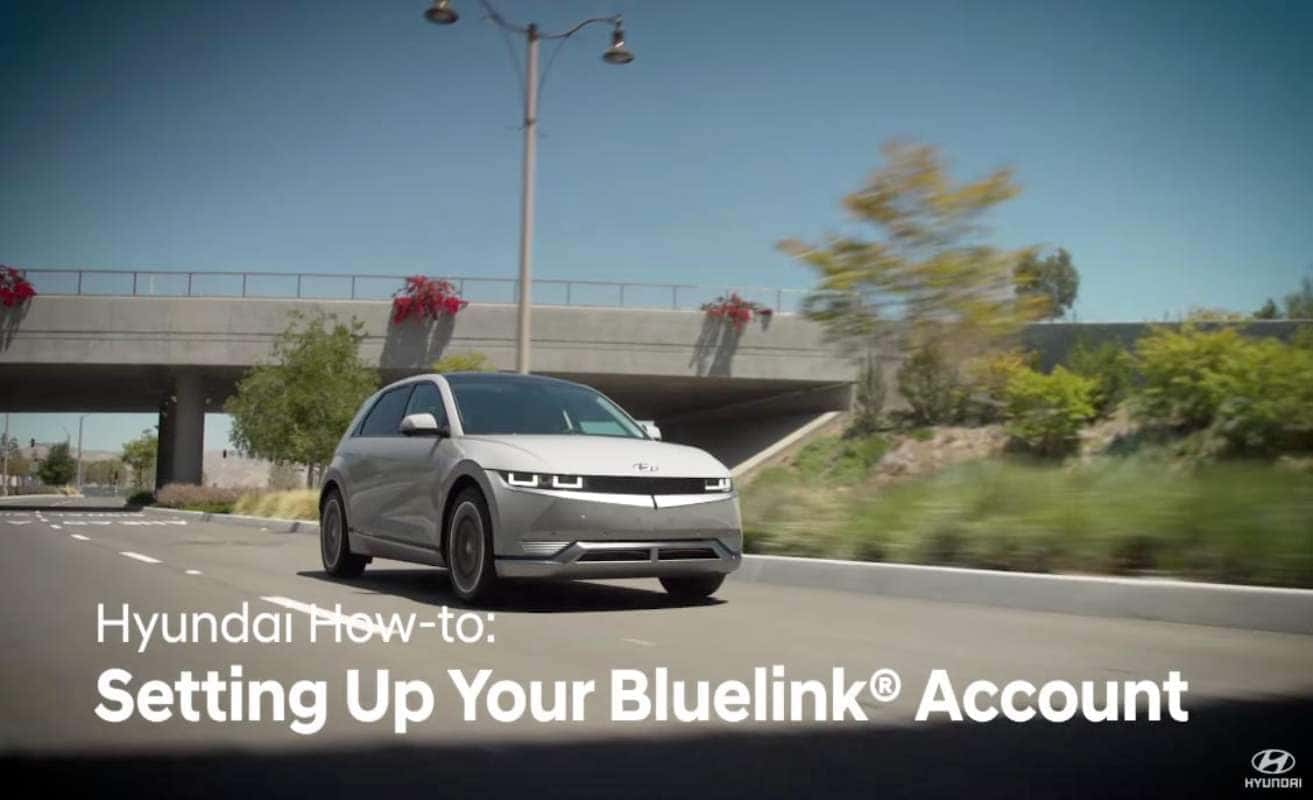
The Bluelink connected car service, available on your Hyundai, gives you such invaluable tools as remote vehicle management via your smartphone, automatic emergency assistance in case of a collision, in-vehicle on-demand diagnostics, and so much more. To set up your account, go to myhyundai.com. If you’re registering for the first time, select “Register”. Fill out your information, and select a password and security question. Select “Add a vehicle”. Input the Vehicle Identification Number. Then add the current vehicle odometer reading. Select any driving conditions that apply to your vehicle. This will help with the vehicle health section. Enter your personal information, then select your preferred service dealer. You can then enroll in Bluelink and select the package you wish to use.
Your MyHyundai dashboard provides a customized, comprehensive snapshot of your vehicle and features. The Vehicle Health section provides you with the key information you need to help you take care of your vehicle. The maintenance timeline allows you to see what maintenance you will need to schedule. “Schedule service” lets you schedule service at your preferred service dealer. The monthly Vehicle Health report shows you a diagnostic evaluation of your vehicle when equipped and activated with Bluelink. The “Quick links” section provides fast access to different features of myhyundai.com. Here, you can also access remote functions that lets you control your vehicle’s functions from anywhere; remote access features like setting your car temperature and locking your doors, “Vehicle Status”… And “Destination Search”, which allows you to send an address or point of interest to your vehicle’s navigation system. You can also customize the quick link features shown on the MyHyundai Dashboard.
Hyundai Resources help you get to know your vehicle better, with useful tips, videos, articles, and how-tos. Hyundai Electrified Vehicles will also have a section that allows you to customize and manage charge settings. For vehicles equipped with navigation, you can update your vehicle map. See the MapCare video on the Hyundai USA YouTube page for more information on this.
Once you’re set up on myhyundai.com, be sure to read the Bluelink User’s Manual, to learn more about the system and features. For more helpful information on your Hyundai, be sure to explore the how-to guides on the Hyundai USA YouTube channel and myhyundai.com.
0 comment(s) so far on Setting Up Your Bluelink®