



Hyundai Search Feature
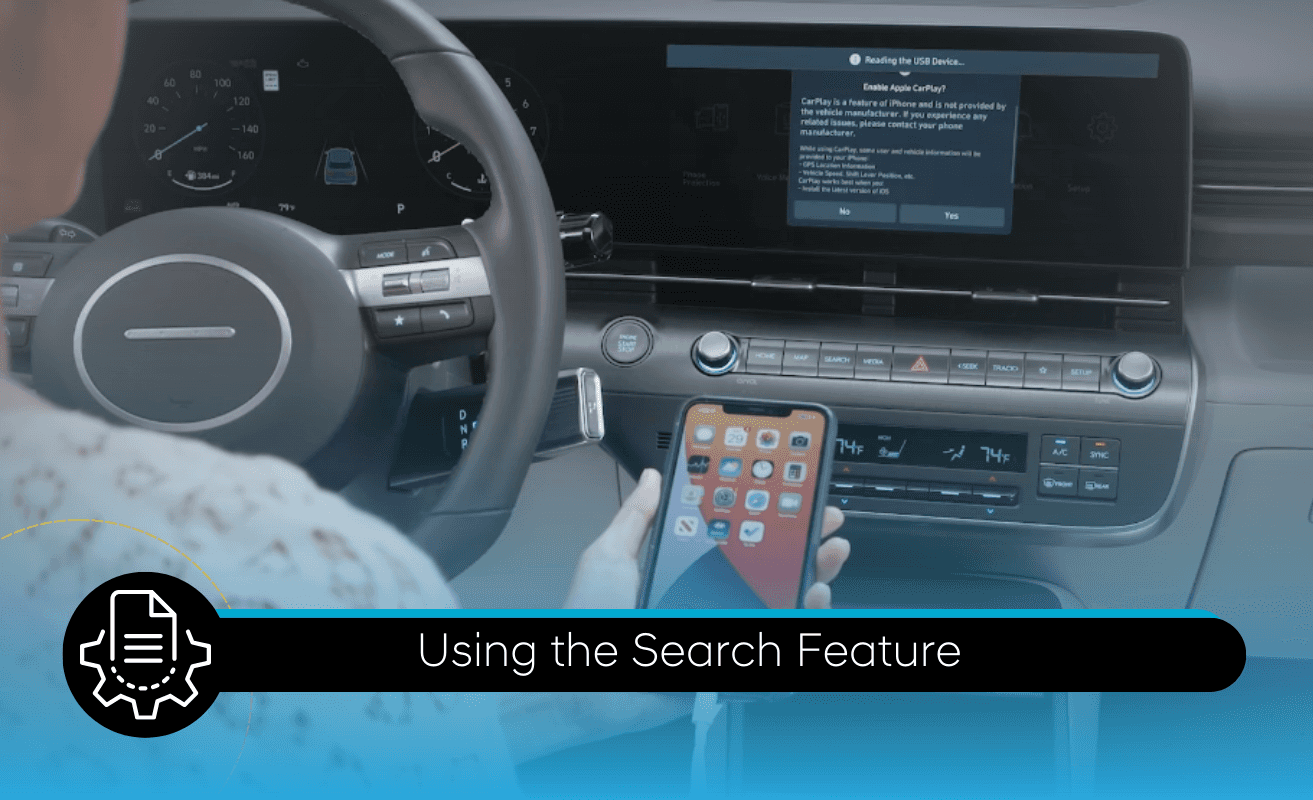
The all new touchscreen on your Hyundai has a new search feature. With it, you can quickly find locations, stations, vehicle settings and more. To use it, press the search button on the touchscreen control panel. Here, you can type in or speak an address or point of interest and then quickly navigate to it, but you can also use it for many other helpful features. You may choose to look for coffee shops, or a music genre, or a contact.
If you want to change a setting for the vehicle but aren’t certain where the setting is, you can type in a keyword for it. Or if a warning message shows up on the screen, you can type in the message and get more information on it.
There are a few limitations on the search feature. It is not able to search for media or contacts on connected devices. Contacts will only be retrieved if they’ve been downloaded into the vehicle system memory. Some menu user settings will not be accessible when the vehicle is driving, and using the voice recognition button will override the search screen.
For more information on these and other features, be sure to consult your owner’s manual, available at myhyundai.com or the user’s manual, accessible via the touchscreen. And be sure to explore the how-to guides at the Hyundai USA YouTube channel and myhyundai.com.
0 comment(s) so far on Hyundai Search Feature