



Bluelink® Connectivity
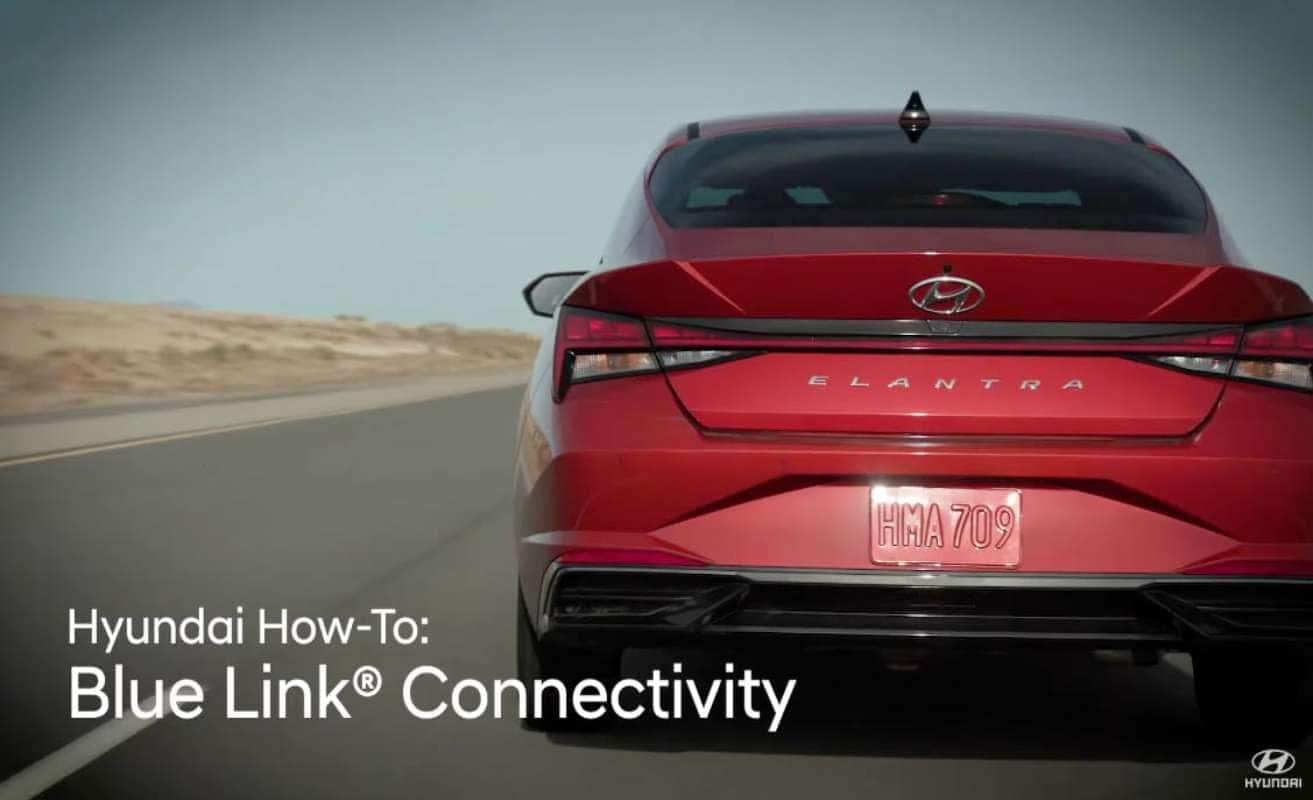
Staying connected to your vehicle is important. That’s why MyHyundai gives you the ability to control many aspects of your Hyundai from anywhere using your computer, smartphone, Amazon Alexa, or Google Assistant device. We recommend watching the MyHyundai with Bluelink app video before watching this video.
This video will provide a basic overview of the requirements and capabilities of Bluelink Remote Services.
Communication with your vehicle takes place through the Bluelink system. Using cellular networks, it is important that your Hyundai have good connectivity for the best experience. For your Hyundai to have good connectivity to Bluelink, it needs to be in a location with strong cellular signal. Areas with low service may cause connectivity issues. In addition, locations such as a parking garage may cause connectivity issues. For added convenience and to speed up your login time, turn on, keep me logged in and enable face or fingerprint recognition on the app on your smartphone. You will be prompted when you first log in, or you can do this later in this setting screen. You should also know that as an added security measure, all vehicle doors must be locked for remote start to work.
On some vehicles, you can set the app to automatically lock all doors when a remote start is requested. This setting can be found on the setting screen under the remote start heading. Once the vehicle has been parked for four days without being started, the Bluelink system in your vehicle goes into sleep mode to reduce battery draw and preserve battery life. For some newer vehicles, this time is extended to seven days. Please ensure your vehicle is driven or started within this time period to maintain connectivity with Bluelink. When the system is in sleep mode, it cannot be accessed by Bluelink servers and all remote actions will be unavailable. You must start your vehicle with the proximity key to restore vehicle connectivity.
For more helpful information on your Hyundai, be sure to explore the how-to guides on the HyundaiUSA YouTube channel and myhyundai.com.
0 comment(s) so far on Bluelink® Connectivity